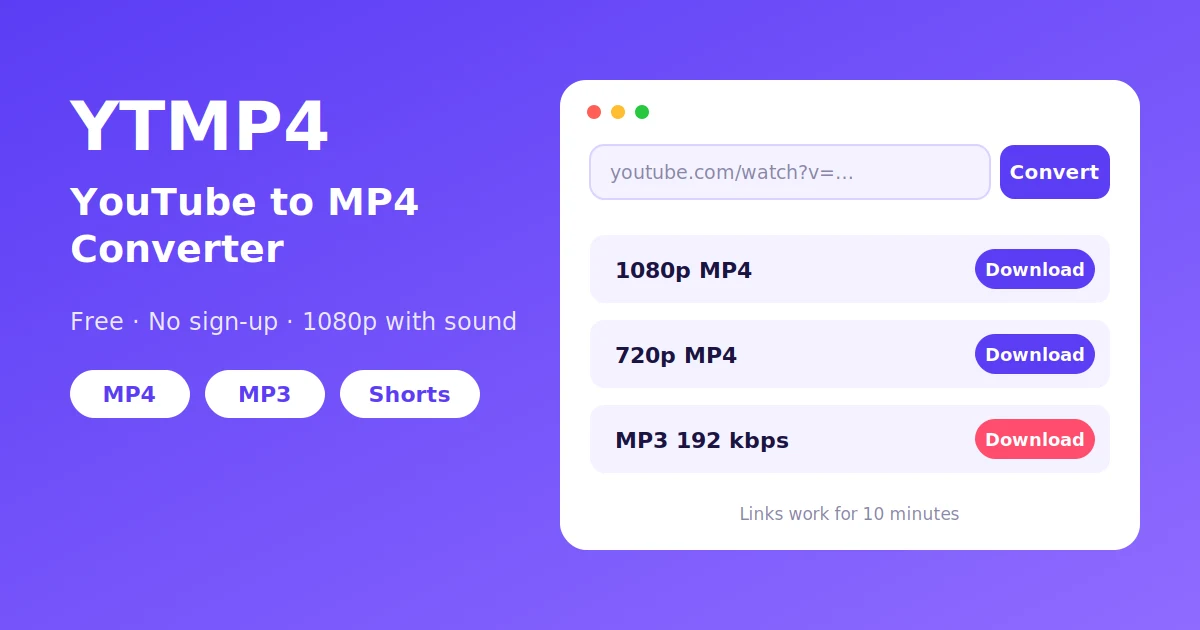
YTMP4 turns a YouTube link into a normal MP4 file you can keep. Paste the link, pick a quality, and the video lands in your Downloads folder with the sound already in it. It works in the browser on your phone or computer, and you don’t need an account.
We built it because most “free” converters had become a maze: three fake download buttons, a notification prompt, a new tab you didn’t ask for, and at the end a 360p file without audio. YTMP4 does one job. If a video exists in 1080p, you get 1080p. If it doesn’t, we won’t pretend.
What YTMP4 actually does
Behind every YouTube video there are separate files for the picture and for the sound, in several sizes. When you press Convert, YTMP4 reads that list, shows you only the qualities the video really has, and joins the picture and the audio into one MP4 when you download.
That last step is the reason a lot of downloads come out silent elsewhere: YouTube only serves HD video without sound, so a converter has to merge the two. Ours does it for every quality, from 1080p down to 144p.
If you only want the audio, switch to the Audio tab, or go straight to our YouTube to MP3 page.
How to convert YouTube to MP4
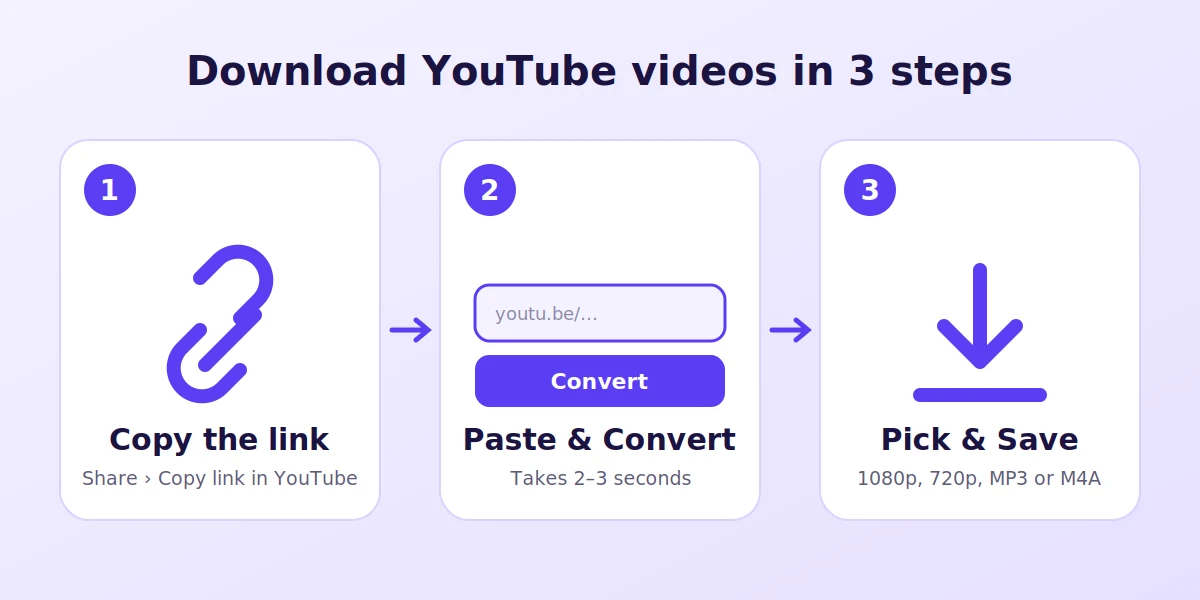
- Copy the link. In the YouTube app tap Share, then Copy link. On a computer, copy the address bar.
- Paste it here in the box at the top and press Convert. It usually takes two or three seconds.
- Choose a quality. 1080p for a TV or laptop, 720p for a phone, 480p if you’re short on space or data.
- Tap Download. That’s it. The file is a regular MP4, so you can rename it, move it or send it like any other video.
A tip from our own use: if you’re saving something long, like a two-hour lecture, pick 720p. It looks almost the same on a phone and the file is about a third of the 1080p size.
Which quality should you pick?
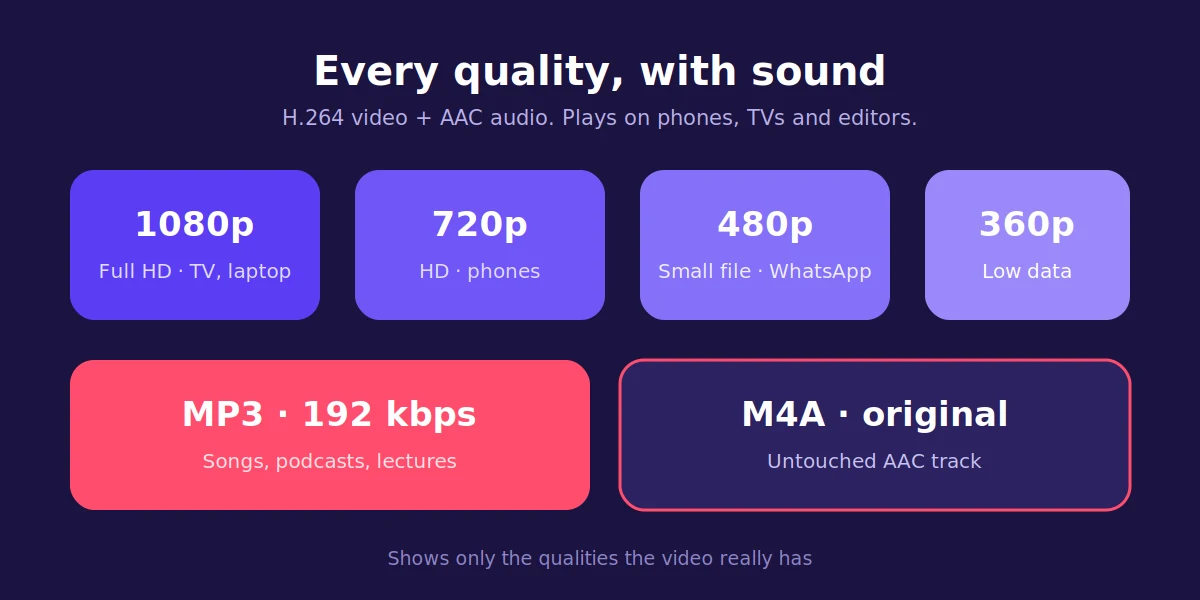
| Quality | A 5-minute video is roughly | Good for |
|---|---|---|
| 1080p Full HD | 60–120 MB | TV, laptop, editing |
| 720p HD | 25–40 MB | Phones and tablets |
| 480p | 15–25 MB | WhatsApp, saving data |
| 360p and lower | 3–12 MB | Slow connections, old phones |
| MP3 192 kbps | about 7 MB | Songs, podcasts, talks |
| M4A (original audio) | about 5 MB | Best sound, iPhone |
Sizes swing a lot with the content. A fast game clip or a concert is heavier than a talking head in front of a wall, even at the same resolution.
Every file uses H.264 video and AAC audio. That combination plays on practically everything: Android, iPhone, Windows, Mac, smart TVs, car screens, and editors like CapCut or Premiere. The full list of resolutions and what each one is for is on the YouTube to MP4 converter page.
Why there’s no 4K button
YouTube stores 1440p and 4K only in VP9 or AV1. They look great in a browser, but many phones, TVs and editing apps can’t open those files. We’d rather give you a 1080p file that plays everywhere than a 4K one that shows a black screen.
On iPhone, Android and PC
- iPhone and iPad: use Safari. When the download finishes, open Files › Downloads, tap the video and choose Share › Save Video to put it in Photos. We wrote a full walkthrough in how to download YouTube videos on iPhone.
- Android: Chrome saves to Files › Downloads, and the video shows up in your gallery a moment later.
- Windows and Mac: any browser works. Ctrl + J (Cmd + Option + L on Mac) opens your downloads.
If you use YTMP4 often, add ytmp4.store to your home screen. It opens like an app, without installing one.
Links that work
- Normal videos:
youtube.com/watch?v=… - Share links from the app:
youtu.be/… - Shorts:
youtube.com/shorts/…. The YouTube Shorts downloader keeps them in their vertical format. - Mobile links:
m.youtube.com/… - A video inside a playlist: only that one video is converted
- Finished live streams:
youtube.com/live/…
Channel pages and whole playlists don’t work. Open the video you want first and copy its own link.
When a video won’t convert
It happens, and it’s usually one of these:
- The video is private, members-only or age-restricted. No public tool can read those.
- It’s blocked in some countries. If it won’t play for you in a private browser window, we can’t read it either.
- YouTube is being strict for a few minutes. Wait a moment and press Convert again. It normally goes through on the second try.
Is YTMP4 safe?
Fair question, given how many converter sites behave. Here’s what we don’t do: we don’t ask you to install anything, we don’t ask for your Google login, and we don’t keep the videos. The file goes from the converter to your device, and the download link stops working after a few minutes.
Other YTMP4 tools
- YouTube to MP4: every MP4 quality from 1080p to 144p.
- YouTube to MP3: songs and talks as MP3, or the original M4A.
- YouTube Shorts downloader: Shorts as HD MP4.
Please use it fairly
Download your own videos, Creative Commons content, or anything the creator lets you keep. Re-uploading someone else’s work breaks YouTube’s rules and copyright law, and it hurts the people who made the video. YTMP4 is an independent tool and isn’t affiliated with YouTube or Google.