Most people meet the same problem sooner or later: a playlist with thirty lessons, an album split into twenty tracks, or a list of workout videos they want on their phone before a trip. YouTube itself only lets you save inside its app, and only with Premium. The YTMP4 YouTube playlist downloader turns the whole playlist into a simple list of videos you can save as normal MP4 or MP3 files.
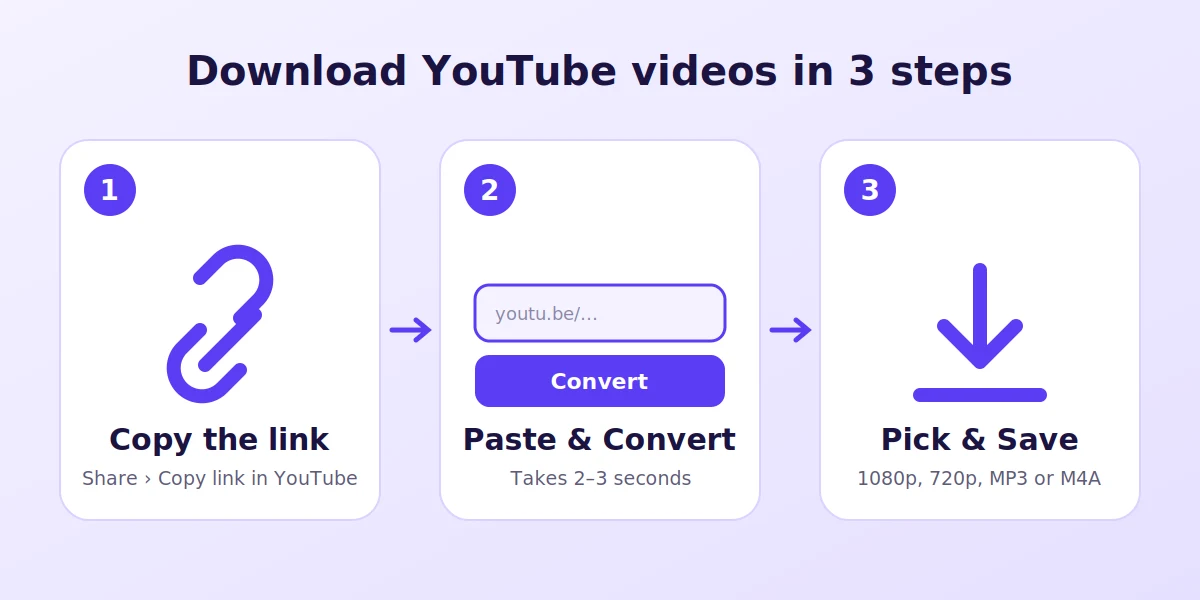
Three steps from playlist to files
- Copy the playlist link. In the YouTube app open the playlist and tap Share → Copy link. On a computer, open the playlist page and copy the address. The link must contain
list=. - Paste it into YTMP4. Put it in the box at the top of this page and press Convert. YTMP4 shows the playlist name, how many videos it holds and every title with its channel and length.
- Save video by video. Press Download next to the first video, choose MP4 or MP3, and the file starts saving. The playlist stays open underneath, so you simply move to the next one.
Which link to copy
YouTube gives a playlist several kinds of links, and they don’t all behave the same:
| What you copied | Looks like | What YTMP4 does |
|---|---|---|
| The playlist page | youtube.com/playlist?list=PL… |
Lists every video |
| A YouTube Music album | youtube.com/playlist?list=OLAK5uy… |
Lists every track |
| A video playing in a playlist | watch?v=…&list=PL… |
Opens only that video |
| A Mix | watch?v=…&list=RD… |
Opens only that video |
If you wanted the whole list but got a single video, go back to YouTube, tap the playlist name to open the playlist page and copy that link instead.
Good uses for a playlist download
Online courses. Lessons on programming, languages or exam prep are often published as playlists. Saving them as 720p MP4 keeps text on screen sharp while the files stay small enough for a phone.
Albums and music lists. Choose MP3 for every track and you get a folder of songs that plays in any music app, in the car or on a speaker – no buffering, no ads between tracks.
Kids’ videos for travel. Download a playlist of cartoons or songs before a flight so they play without Wi-Fi.
Backing up your channel. If you organise your own uploads into playlists, this is a quick way to keep a local copy of each one.
Picking the right format
| Goal | Best choice | Why |
|---|---|---|
| Watch on a phone | MP4 720p | Sharp enough, small files |
| Watch on a TV or laptop | MP4 1080p | Full HD picture |
| Listen only | MP3 | Plays everywhere |
| Best sound, smaller file | M4A | Original audio track, no re-encoding |
No link? Search by name
The same box also understands plain words. Type something like python course for beginners or the name of a song, press Convert, and YTMP4 lists the top YouTube results. Each one has its own Download button, so you can go from a half-remembered title to a saved file without opening YouTube at all.
If something goes wrong
- “Private or doesn’t exist” – the playlist is private, deleted, or the link was cut off when you copied it. Copy it again.
- Fewer videos than on YouTube – removed and private videos are skipped because they can’t be downloaded.
- “YouTube is busy” – YouTube is limiting requests for a moment. Wait a minute and try again.
Download responsibly
Use the playlist downloader for your own videos, Creative Commons content, or videos you have permission to keep. Don’t re-upload other creators’ work.